Checking path to non-web port (80) site from MacOS, Unix or Linux terminal.
Use curl -v <ip address>:<port>

Checking path to non-web port (80) site from MacOS, Unix or Linux terminal.
Use curl -v <ip address>:<port>
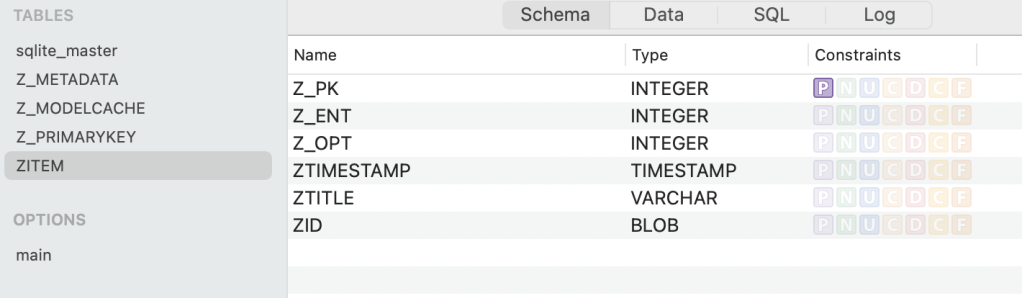
I was working with Swift programming in MacOS and discovered: if you use the default Core Data database, the first table has an integer primary key hidden under the name Z_PK, and if you add a UUID field, this UUID is saved as a blob datatype in SQLite3. When debugging the program in XCode the Core Data database is saved in the user’s library in a container of the program name/data/Library/Application/program name/program name.sqlite.
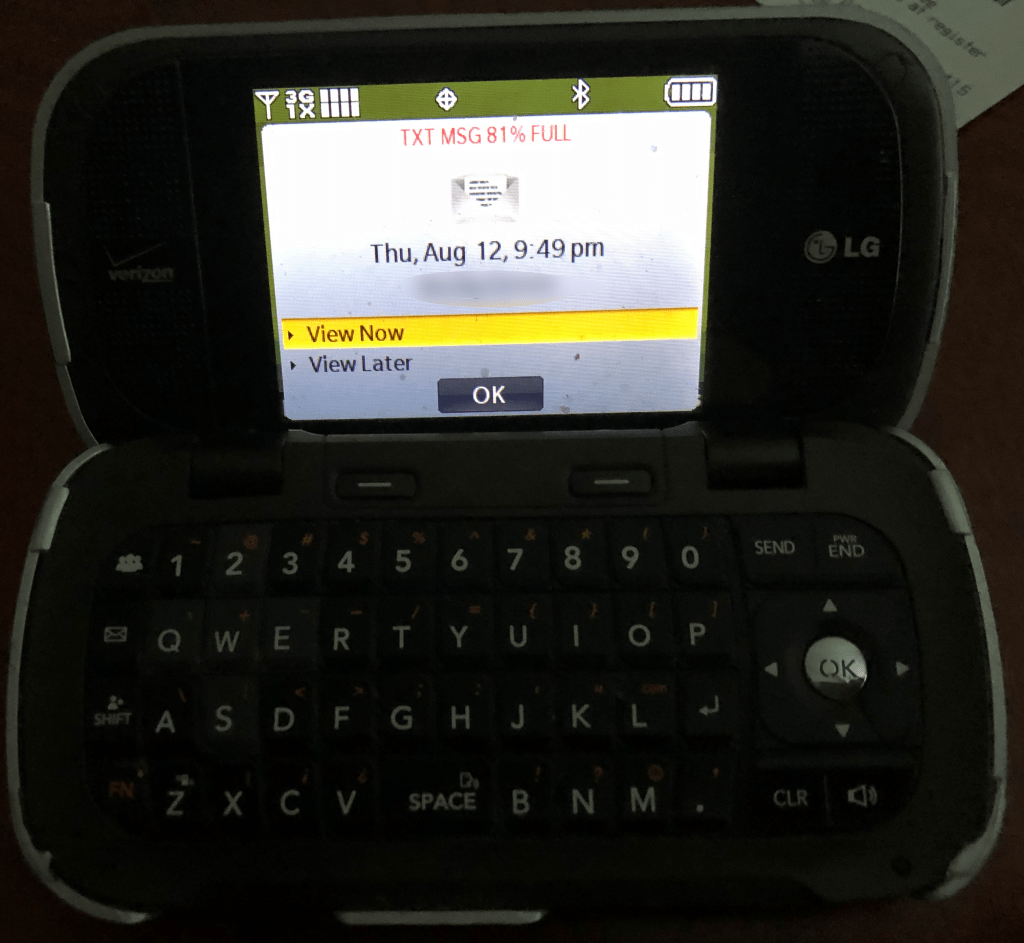
In the past couple weeks I have repaired both my aunts and uncle’s older cell phones, and my aunt in particular loves typing text messages on mini keyboard with a switch for every letter, so much so, that she has purchased a few of the same model.
Unlike older computers, which can still run simple word processing for years, cell phones are linked to the transmission standards, which evolve over the years. My Aunt’s LG phone is a 2G and 3G version, and the recent fix I did was to get the phone to boot in 3G.
I then had to break the sad news to her and my cousin that Verizon’s 2G network had been shutdown and the 3G network will shutdown on December 31, 2022, pushed back from a previous 2020 date. I don’t believe that date will be pushed back again.
To prepare for a transition to a new phone, I was able to upload her contacts and pictures to a cloud site. I haven’t seen new LG keyboard phones for even 4G, so she will have to shift to a new style of phone, and with this forced change I’m hoping she will get a fondness for dictating text messages instead of typing on QWERTY keys. Will her grandchildren or great grandchildren grow up not even knowing about the QWERTY keyboard?
I ran across the following issue myself, after saving some PDFs to the Pages folder of iCloud:
In an iCloud folder (KEYNOTE), some files (PDF, Keynote) just won’t allow me to move them into any other folder. I try to drag and drop, but once I bring the file into another folder, I see the “circle+crossed line” icon that tells me I’m doing the forbidden. I CAN move some files (also PDF, Keynote), and some I just can’t.
It also doesn’t seem to matter whether they’ve been downloaded to my computer or not.
Sharing & permissions are set the same for files I can move and files I can’t.
https://discussions.apple.com/thread/251324258
After some testing, I found this issue only happens in the Pages folder of iCloud, when I created a folder in the Documents folder of iCloud, I was able to move these PDF files there. (Also when looking at the files via the open function in Pages program itself these non-movable files are ghosted out, indicated that Pages can’t open them.)
Simple use of FFMpeg to convert webm
ffmpeg -i <source file.webm> <destination file.mp4>
That is it.


Even if you load the System.Data.SQLite.Core package from Nuget Package manager, the one click publishing installer doesn’t but the dlls in the correct sub folders. So I didn the following steps, I created x64 and x86 folders in my project, then I added the SQLite.Interop.dll from each of the same directories in the default bin folder. in the files in the publishing tab, I made sure these were copied and folders created in the installed app (as shown in the second picture.)
When I moved the project from GitHub to another computer, I had to use Nuget Manager to reinstall the packages. (I didn’t have to go to the \packages\System.Data.SQLite.Core.1.0.112.1\build\net40\x64 and x86 folders and add add those back in to the project file.)
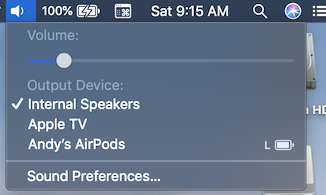 I made a mistake and connected my Airpods with bluetooth scan and add device from my computer and when I tried to use them the left ear was without power.
It took we awhile to track down the problem, the left ear wouldn’t disconnect from my Macbook Pro, the image is from when both Airpods where in the case.
The fix was: put both in case and use case button to reset both (hold it down until if flashes white). You will have to reconnect the Airpods to your devices.
 I just purchased a Model 3 Tesla, and this car make me smile everyday. I takes me back to teenage years when driving was fun and my parents could send me on errands, because there was Joy in driving.
I have a great deal on fun showing the self driving off to others, not to mention just the fun features like driving on Mars. I just got my first software update, without going to a dealer, and the car added the new feature of attaching driver profiles to your keys.
Ford would never let you drive on Mars and I strongly believe GM would never just add a nice feature like driver profile to your key without a major charge and a long wait at a dealers service center.
Quick UNIX touch command in DOS:
This is the command I’ve been using to update the date values of files, mostly those copied over the network with a future date.
copy /b filename.exe +,,
 Andrew Lochbaum's Blog