
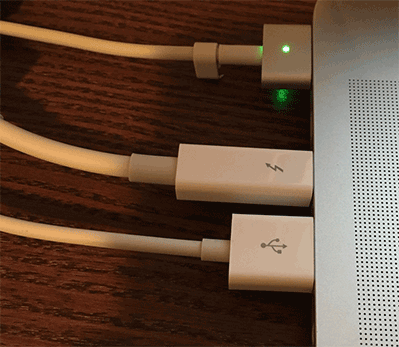
 After getting a new Mac Book Pro, I have been trying to download gigabytes off my old Mac Book.
I had two problems with the Thunderbolt Ethernet adapter. First it seems to stop working if the CPU goes in to less power state. Secondly, in trying to get the file transfer to use the faster speed, I disabled the WiFi in the network preferences. This worked for a little bit then stopped. Using Sierra (10.12) this adapter showed disconnected in the network settings, until I re-added the WiFi network settings. While it showed disconnected the router showed connection lights and the Thunderbolt to Gigabit Ethernet Adapter showed up in the system report.
Even with the new Mac OS Sierra (10.12) the copy only uses one of the connected interfaces and never searches for a faster connection, or fails over in the event of a problem with one network interface. This makes copying gigabytes of virtual machines difficult.
 Andrew Lochbaum's Blog