I got a new Macbook Pro compute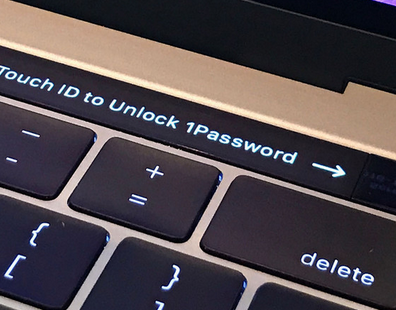 r, with Sierra installed. Widgets weren’t instantly there because Dashboard (the Widget running program) wasn’t enabled. When I enabled it and I tried to add my favorite Timecode calculator, the download link was broken.
So I copied my user/Library/Widgets directory from my old mac, and the old Timecode calculator widget was now an option. (I still had to place it to the screen.)
 Andrew Lochbaum's Blog